This has been a busy week this week, I was able to wrap up on the first project of the Trimester and get started on the second project. I learned a large amount of AI, Pathfinding and a number of solutions for my personal projects.
Analytics Tool
We were able to finish off the analytics tool which is available on Itch here, and I’m hoping to work further on the project personally and be able to upload it onto the Unity Store. I believe that it would be beneficial for me and my portfolio to have a working and useful tool available on the Unity Asset Store. I wrote up a Post Mortem regarding the whole process of creating the Analytics Tool which is available here.
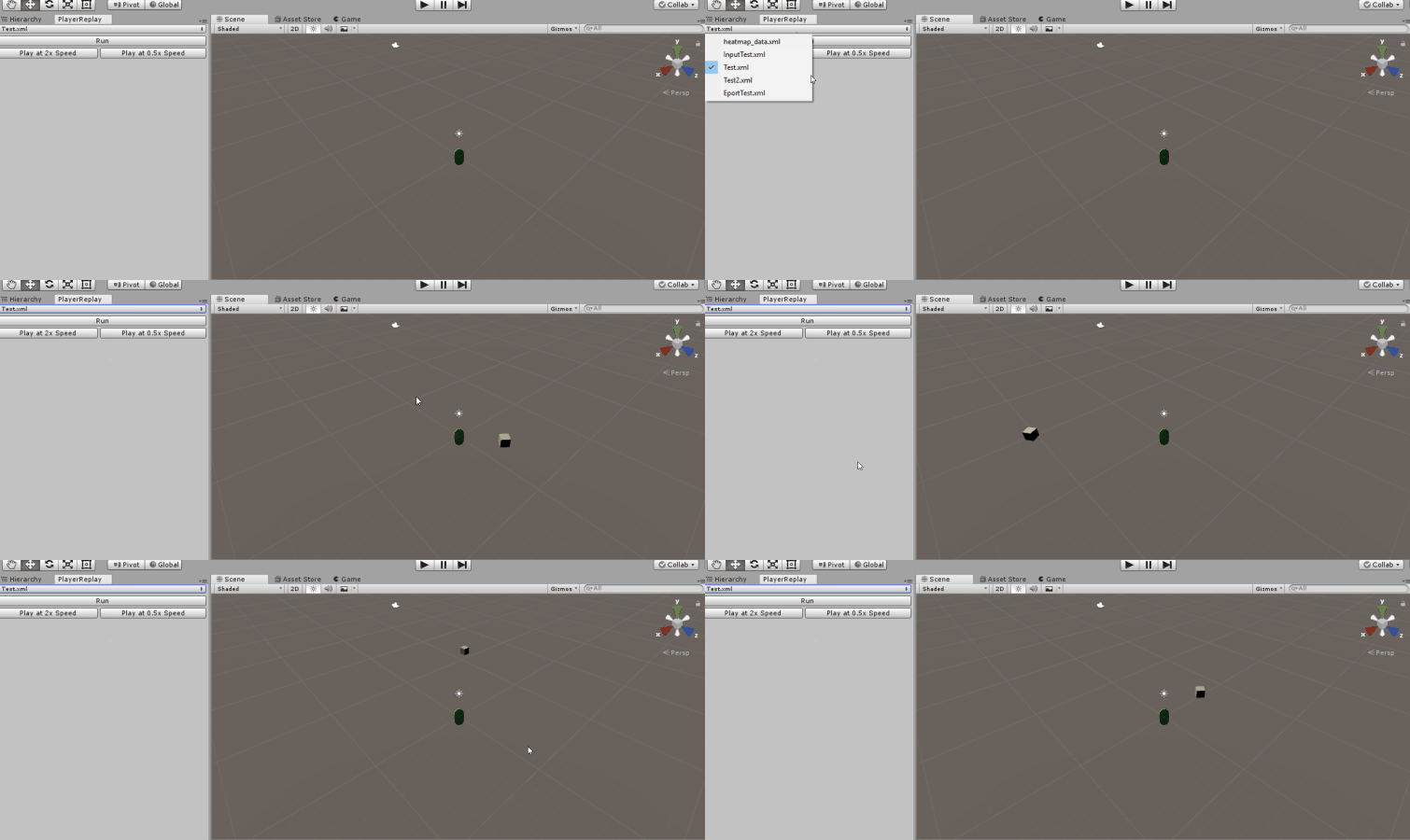
There were a couple of changes that I made before combining the systems together and handing it over to be uploaded on Itch.io. After implementing the Editor Window functionality I thought it would be useful to allow users to be able to change the speed of the playback, so I decided to implement a double speed and half speed replay on the editor window. This was implemented into the playback by simply dividing the timestamp specified in the recording data, this modified the playback speed. Finally, I updated the TDD and created a handover document for users to follow and be able to use the tool. The only part of the project that I was not 100% with was that because we all worked individually on our own parts of the project it doesn’t integrate that well together.
Pathfinding and AI
When it comes to AI and pathfinding there are three main topics to consider and they are:
- Path Data – This refers to the way that that path or world is layed out and how the object is meant to process the locational data available to it. There are many different ways that this can be done and they are:
- Spatial Graphs – The world can be represented in a grid-like format can be used in a 2D/3D format.
- Navigational Mesh – The world can be split up into different geometric shapes and can act as nodes, this is usually used for 2D navigation.
- Navigational Volumes – This is something I’m not quite sure about and need to research some more.
- Potential Fields – Potential fields refers to the ease of movement for an object when considering traveling in a direction.
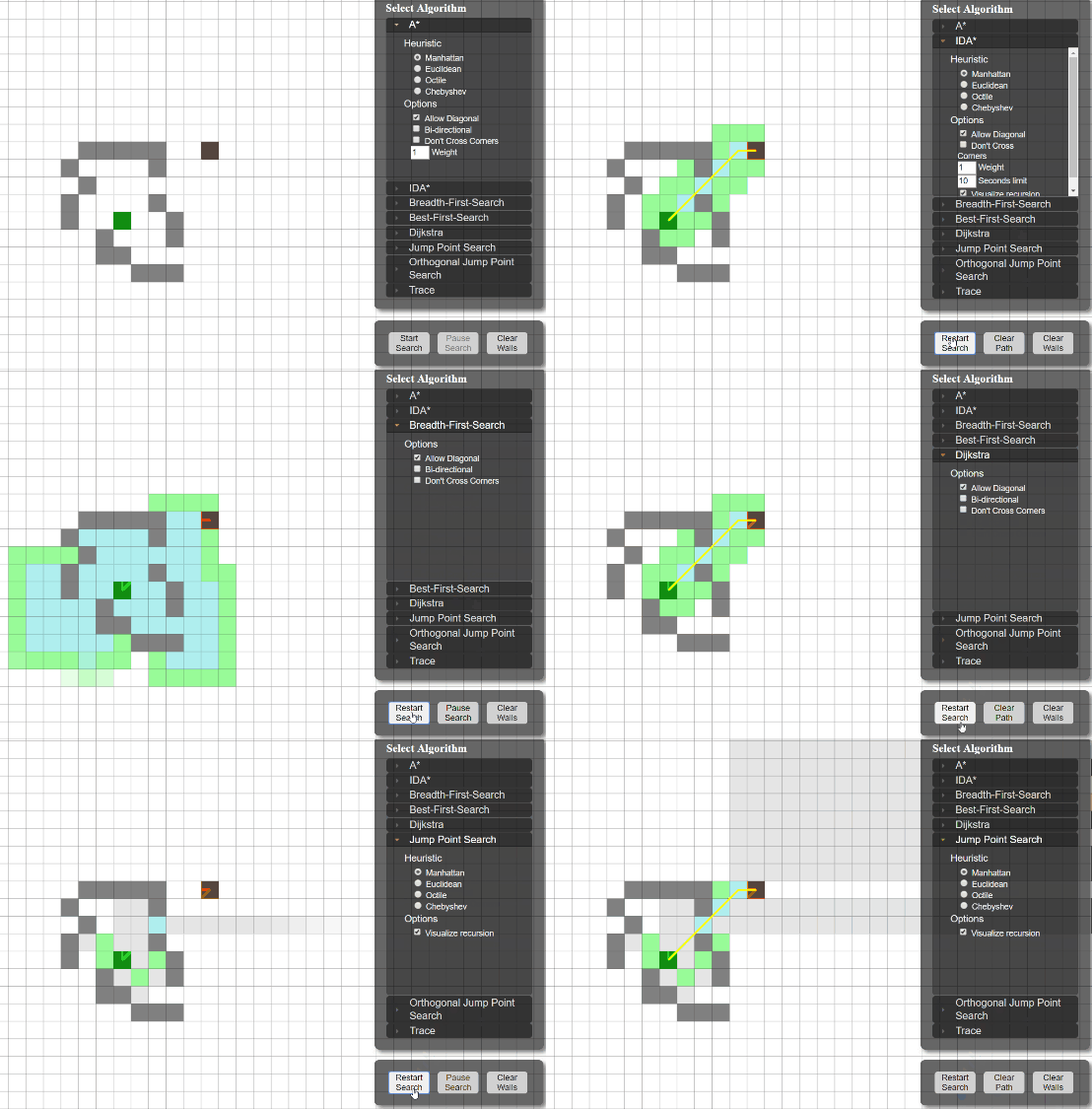
- Pathfinding – This refers to the way that the path is calculated using the path data, there are a number of algorithms available to the do this.
- A* – The main and most commonly used pathfinding algorithm, it makes use of Dijkstra’s algorithm combined with a guiding system to find its way to its destination efficiently.
- Breadth First – Searches the nodes closest to the object and then the ones after it until it finds the destination, extremely slow and not very useful.
- Depth First – Searches to the first node down to its lowest layer and then searches the next node over until it finds the destination, extremely slow and not very useful.
- Dijkstra – It picks an unvisited vertex with the lowest distance, calculates the distance through it to each unvisited neighbour and updates the neighbour’s distance if smaller.
- Navigation – navigation consists of including and not only, steering which is choosing the direction to go in and avoiding obstacles, which involves detecting if there are obstacles in the current chosen path and changing accordingly. This topic will be explored more in the coming weeks.
Personal Projects
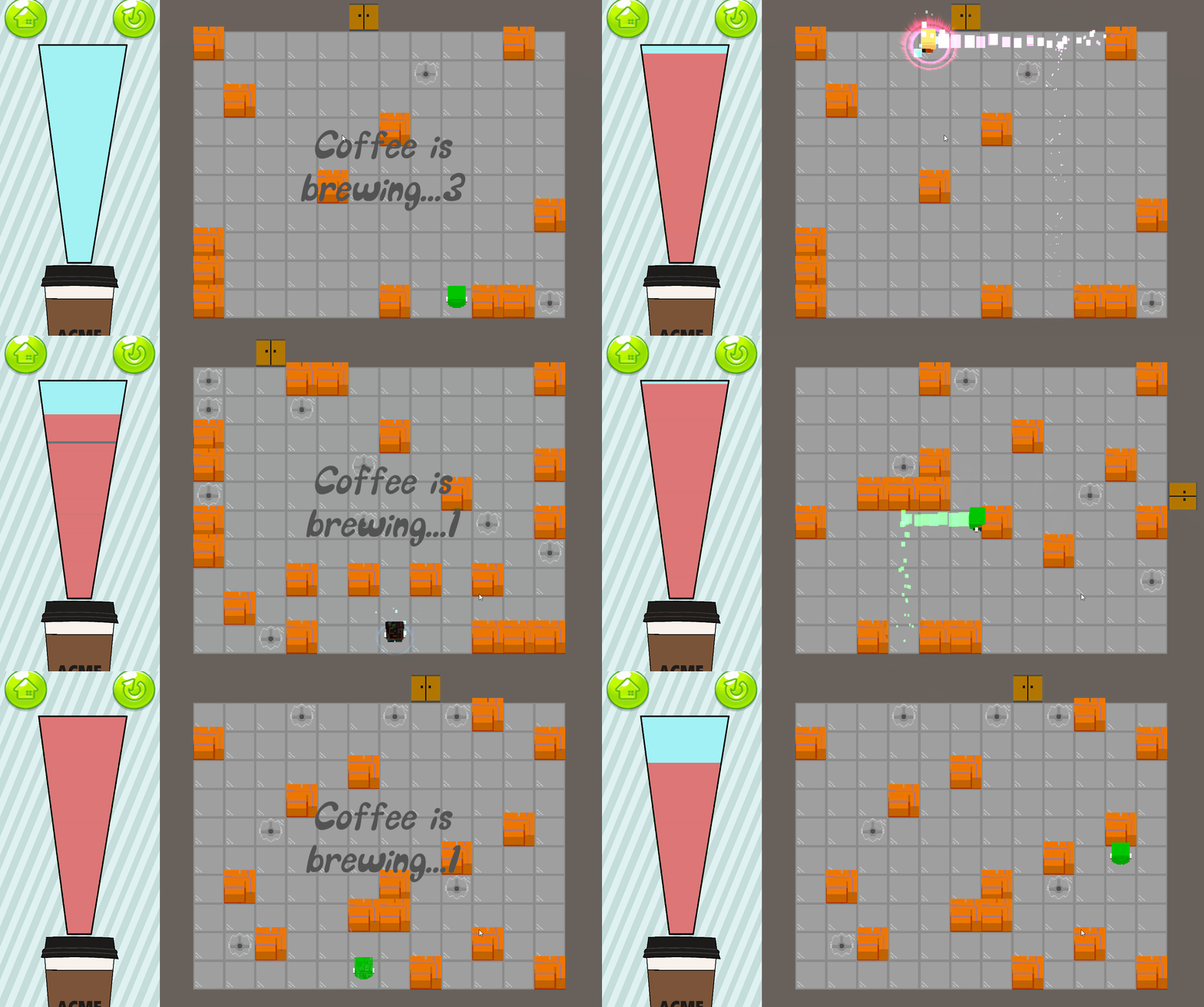
In terms of personal projects, there wasn’t too much progress this week, it was mostly filled with wrapping up on the first project. I worked mainly on I Really Need This Job, which is a game that I worked on last trimester with Nick and got fairly good reception even though we only worked on it for three weeks. The game revolves around an intern delivering coffee for his overlord boss, the intern must navigate his way through the various traps located around the level and deliver the coffee before the time runs out. The current big push for Nick and I is to work through to implementing the next stage of our game. Our game currently consists of a single stage with 20 levels, this stage is located in a warehouse and the next stage will be located in a zoo with a bunch of new and different traps that the player must avoid.
The problem at the moment is getting back into the rhythm of pushing work onto the project, it has been difficult managing time between University projects and personal project. This week, however, I managed to fix an issue that has been bugging me for weeks, this issue consisted of having an overall CSV parser that would be able to read in CSV levels from both stages, this was difficult as there are unique traps with each level and accommodating for those traps would either be extremely difficult on the parser or limiting on the traps. I managed to fix this by creating a parent CSVParser class and having the children inherit from that class to have its own unique CSV parser layout for the specific stage. Hopefully, after this big push of creating the assets into the level we should be able to get back into the groove of working on the projects and continually pushing changes.

Leave a comment