This week in the lead up to our third project for Studio 1 we were tasked with researching level loading and saving into/from CSVs. This is something that I’ve done previously in MDU118 where we were creating a level editor and needed to load in objects using a text document separated by commas. The difference this time, however, is that we need to do this for possibly more complex level data and in a Unity environment rather than a strictly C++ environment. However, the general premise of loading and saving data should be the same.
I initially looked at some CSV tools that were available on the Unity Asset store which can be seen below:
- CSV2Table – Which initially you import a CSV table and generate a script that is tailored for a table. From there, you can use that script to load in other CSV data. This type of data and data loading could be used for tables that hold important data for assets or it could be used for a quiz type of game that has multiple choices for answers.
- CSV Dialogue System – This is a specific CSV reader which is meant to read dialogue that the player is able to set up. It has specific key words to denote what the data represents and is very specific for this solution.


Both examples have created their own form of CSV Parser, one that is specific to their project or tool. Although they both read in CSVs they are customised to solve their own specific need. Which is something that I will need to learn for the next project and should be a something that I would be able to customise specifically for our game.
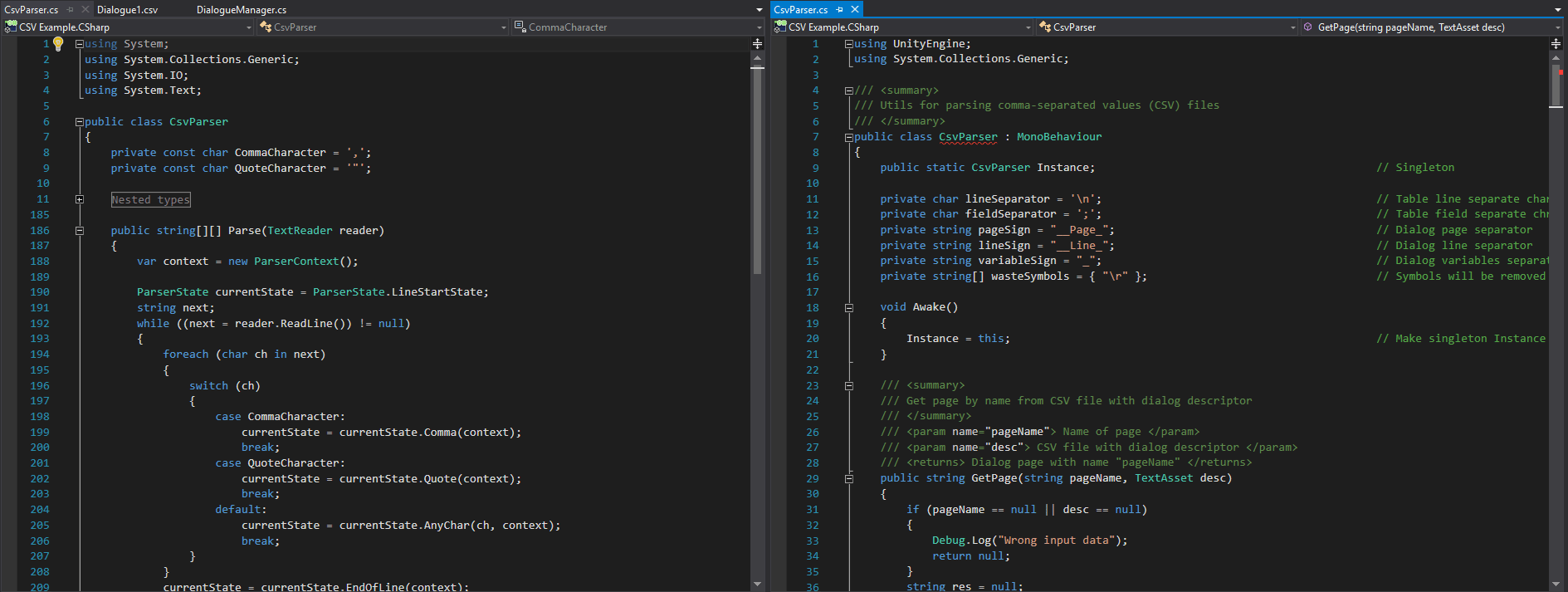
Using this information I played around with the concept of the CSV reading into Unity using a very basic CSV file.


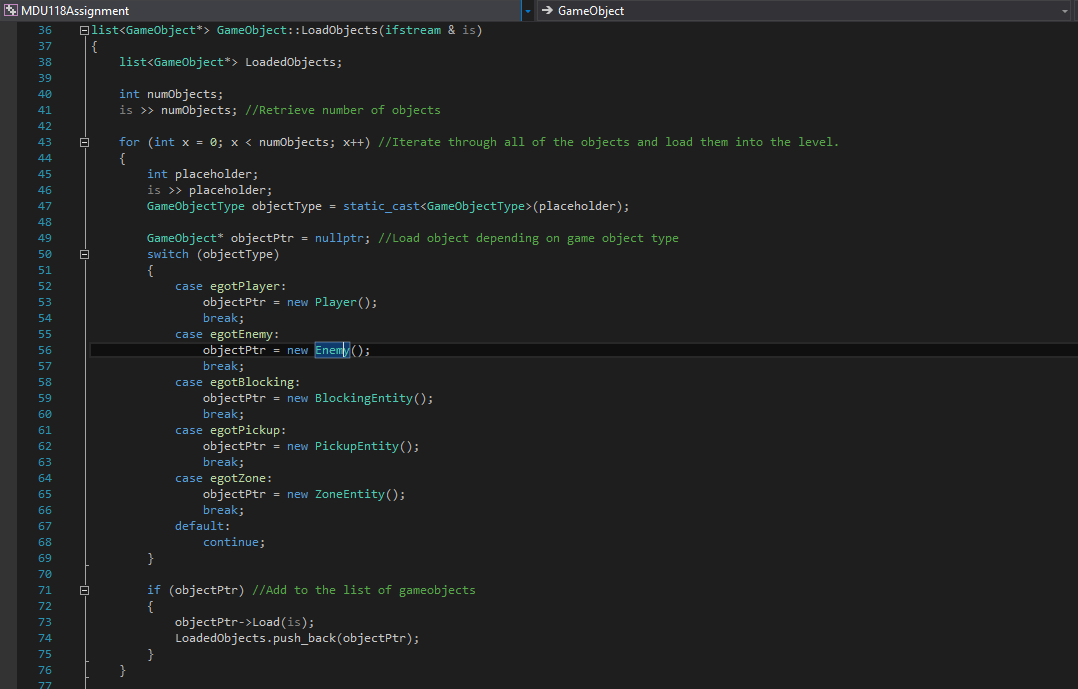
I decided to look back onto one of my previous subjects which used game saving and loading to check on how it handled loading in a CSV text file. In this project, the first line in the file denotes how many objects are in the file and each line after denotes a gameobject and its attributes separated by commas. Each line is structured as GameObjectType, X Location, Y Location, Any GameObject Specific Data.

Leave a comment