This week of development was very hands on and involved with the development of commands and playtesting the tool in class. We ran into quite a few development issues that caused us to change the way in which our previouslyThere were quite a number of scripts made this week in extension to the fungus base code. These were added from last week’s notes that were made from the flowchart diagrams.
Additional Commands
- Find Game Object With Tag – initially, the vision for this function was to return all game objects with the specified tag, but we soon found that Fungus does not support Arrays of objects so we were unable to store it as a variable. We changed the function to return only a single random game object with tag.
- Get Closest Game Object With Tag – return the closest game object with the specified tag from the specified Vector3 position.
- Get Cursor Position – this function is meant to raycast onto the screen where the cursor position is, a problem was found where the raycasts were returning position at the camera rather than the game world. The solution found for this was to create a plane in the game and raycasting to it, this is still a working solution however, as the command inputs aren’t quite as intuitive.
- Move To Complex – This function is a new move to command that allows the current game object to move towards a vector3, transform or gameobject at a specified speed. I ran into an error later in development where when the target variable was destroyed there would be a null reference exception for moving the object, this was solved by creating a local variable for the script and assigning the target on startup.
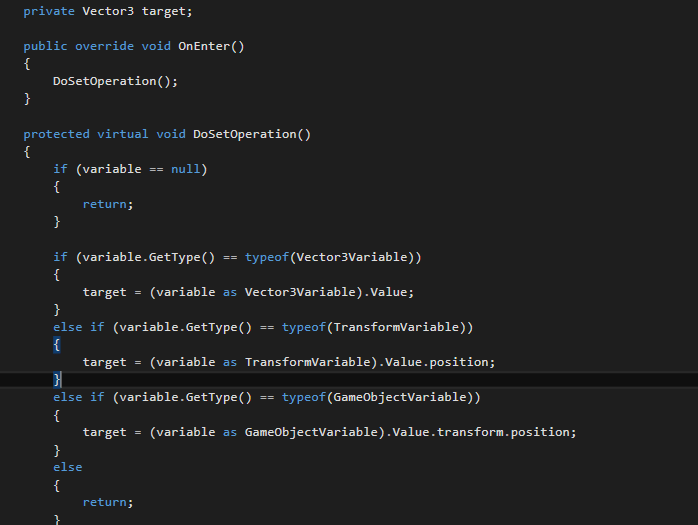
- Random Vector3 – this function returns a random Vector3 with the specified range and assigns it to a variable.
- Send Message Game Object – this function sends a message to a specific game object.
- Set Tag – This function changes the tag of the specified object, after a few iterations we added the functionality for the function to be able to specify itself as the target gameobject.
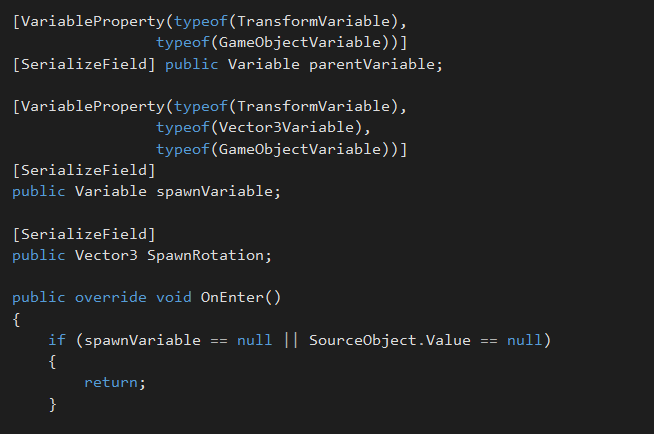
- Spawn Object Transform – This function spawns an object at a specified variable location, it accepts Vector3, Transform and GameObject variables. It can also attach the gameobject being spawned to a parent transform and the rotation specified.
Events
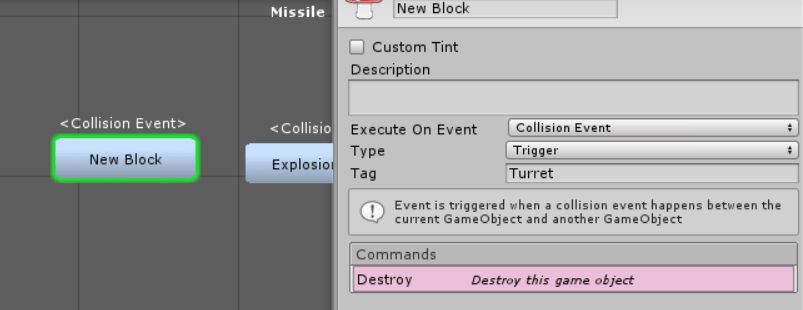
- Collision Event – Is triggered when the attached game object collides with another object, a tag can be specified and the collision type can be specified as to whether it’s a collision or trigger.
- Update Event – Created on the request of one of the game designers, is triggered on every update, it can be specified whether it is an Update() or FixedUpdate().
Finding Errors
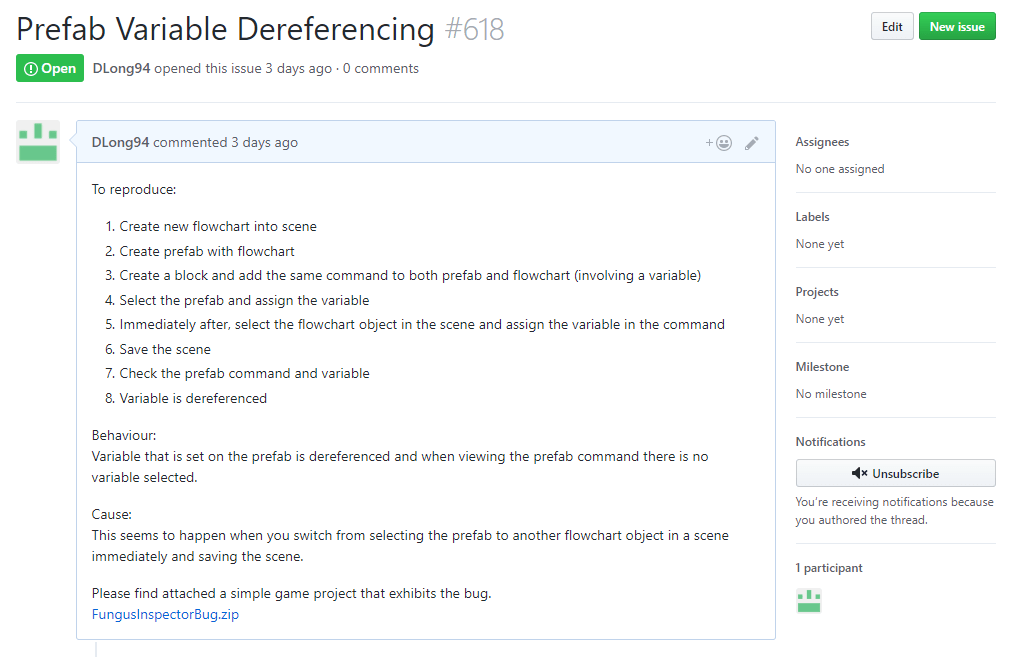
Finding errors and bugs in your code is a part of everyday life as a coder, this is nothing too special, but finding errors in the source code for the framework you are extending on is something that I have yet to experience, until this week. There was a commonly occurring bug I found in fungus where variables kept dereferencing themselves during while I was testing the game and scripts. This was extremely frustrating and made testing take much longer, I brought this issue up with Steve and he quickly realised that when switching between flowcharts in the scene and prefab flowcharts it made methods lose their variable references. This being an inspector error in the base code of Fungus I had to put in an issue into the Fungus GitHub page, this is a first for me, I haven’t before contributed into a community driven project, I raised an issue, specifying the error occuring, instructions as to how to replicate the error and sample folders for a base case scenario.
Playtesting
After figuring out that the issue with the variable dereferencing was mostly out of our control we still needed to continue our project. So we opened up our project for playtesting and because the designers were busy with designing their board game we only managed to get one person to playtest our tool. They nearly had a 2hr playtest session, however, the first hour was figuring out how fungus worked and how to use fungus properly, after that they were able to start using the tools we developed. We managed to record their test session and got their feedback for the tools that we developed.

Leave a comment